Hugging Face is the GitHub of machine learning. In simple words, it is a community hub where we can browse, download, and run thousands of pretrained models. These models cover text, image, audio, and multimodal tasks. The Transformers library is the Python package that loads those models and runs them with a single function call.
Training a model from scratch takes days of work and a lot of data. Most of the time we do not need that. Someone has already trained a strong model and shared it on the Hub. So, here comes the pipeline() API to the rescue. It is the fastest way to use a pretrained model. We pass a task name and an input, and it returns a clean result. The same call works for text classification, NER, question answering, summarization, translation, text generation, image classification, segmentation, text-to-speech, and music generation.
Prerequisites: Python 3.9+ and basic familiarity with running Python scripts or notebooks. A GPU is optional but speeds up the larger models.
The Hugging Face Ecosystem
Before writing code, let's meet the four pieces we will use in almost every tutorial:
| Component | What it does |
|---|---|
| Hub | Hosts model repos, dataset repos, and Spaces, each with files, a README (model card), and versions |
| Transformers | The Python library that loads tokenizers, processors, models, and pipelines |
| Datasets | A library and Hub section to search, inspect, and load datasets |
| Spaces | Browser-hosted ML demos built with Gradio, Streamlit, Docker, or static apps |
Note
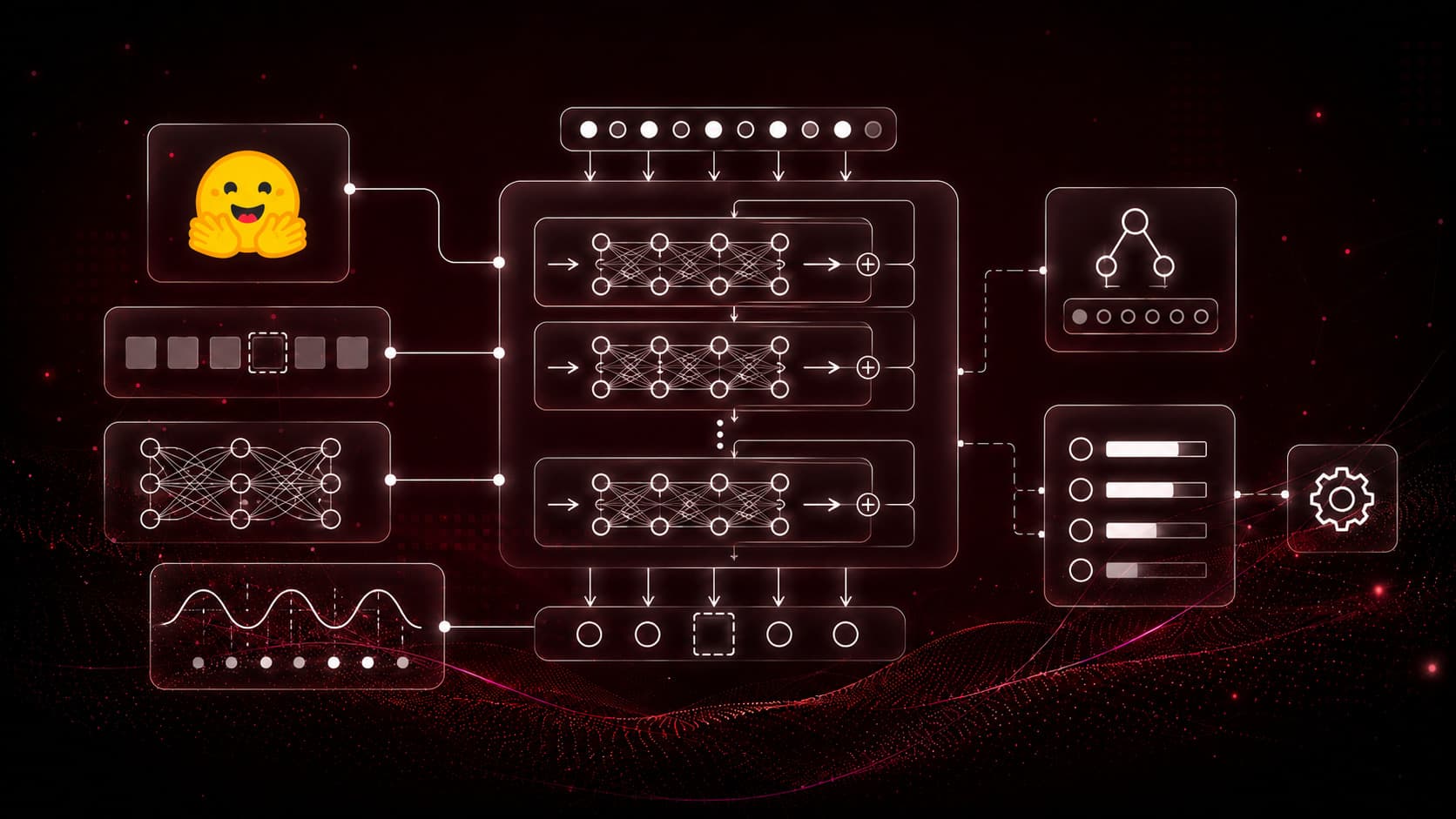
The mental model to remember for everything that follows: task → checkpoint → tokenizer/processor → model → output. A checkpoint is a saved model package containing config.json, the model weights, tokenizer files, a model card, and license notes.

The repeating Hugging Face pattern: every task follows the same task → checkpoint → model → output flow.
Installation
Install the core libraries. transformers provides the models and pipelines, datasets loads data, and torch is the deep-learning backend.
pip install -U transformers datasets accelerate torchOn Linux/macOS: same command, use pip3 if pip points to Python 2.
Tip
Use a clean virtual environment so project dependencies stay isolated:
python -m venv hf
hf\Scripts\activate
On Linux/macOS: source hf/bin/activate
Note
The companion course notebooks install everything from a single requirements file with pip install -r https://raw.githubusercontent.com/laxmimerit/Fine-Tuning-LLM-with-HuggingFace/main/requirements.txt. The explicit pip install above covers the same core libraries for this tutorial.
What Is a Pipeline?
A pipeline() hides the repetitive steps so we can focus on the task itself. Those steps are pre-processing, model inference, and post-processing. We pass a task name and an input, and it returns a clean, readable output.
from transformers import pipeline
import pandas as pd
Internally, every pipeline does three things. A tokenizer or processor turns our raw input into tensors. The model predicts logits or hidden states. A post-processing step turns that back into labels, text, or boxes.

A pipeline wraps pre-processing, model inference, and post-processing into one call.
Text Classification
Text classification puts a label on a piece of text. The label could be sentiment, spam, topic, toxicity, or emotion. We create a text-classification pipeline. Here, device=0 runs it on the first GPU.
classifier = pipeline("text-classification", device=0)

text = "I really love tutorials by KGP Talkie."

outputs = classifier(text)
Note
When we do not name a model, the pipeline picks a sensible default. Here that is distilbert-base-uncased-finetuned-sst-2-english. For production, always pin an explicit model name and revision.
Wrap the output in a DataFrame to read it cleanly:
pd.DataFrame(outputs)| label | score | |
|---|---|---|
| 0 | POSITIVE | 0.995206 |
To detect a specific emotion instead of plain positive or negative, we pass a model trained for that, bhadresh-savani/distilbert-base-uncased-emotion:
classifier = pipeline("text-classification", model='bhadresh-savani/distilbert-base-uncased-emotion', device=0)

text = "I really love tutorials by KGP Talkie."

outputs = classifier(text)
pd.DataFrame(outputs)| label | score | |
|---|---|---|
| 0 | joy | 0.941611 |
Named Entity Recognition
Named Entity Recognition (NER) tags spans of text as people, organizations, locations, dates, and more. We use the ner task:
ner = pipeline(task='ner')
text = "I really love tutorials by KGP Talkie. I live in Mumbai."
outputs = ner(text)
pd.DataFrame(outputs)| entity | score | index | word | start | end | |
|---|---|---|---|---|---|---|
| 0 | I-ORG | 0.999032 | 8 | K | 27 | 28 |
| 1 | I-ORG | 0.996179 | 9 | ##GP | 28 | 30 |
| 2 | I-ORG | 0.996391 | 10 | Talk | 31 | 35 |
| 3 | I-ORG | 0.993506 | 11 | ##ie | 35 | 37 |
| 4 | I-LOC | 0.999369 | 16 | Mumbai | 49 | 55 |
Here, we can see the model split "KGP Talkie" into subword tokens (K, ##GP, Talk, ##ie). It tagged them as an organization. It also tagged "Mumbai" as a location.
The same task can also do part-of-speech tagging with a different checkpoint:
ner = pipeline(task='ner', model='vblagoje/bert-english-uncased-finetuned-pos', device=0)
text = "I really love tutorials by KGP Talkie. I live in Mumbai."
outputs = ner(text)
pd.DataFrame(outputs)| entity | score | index | word | |
|---|---|---|---|---|
| 0 | PRON | 0.999532 | 1 | i |
| 1 | ADV | 0.999148 | 2 | really |
| 2 | VERB | 0.999093 | 3 | love |
| 3 | NOUN | 0.998578 | 4 | tutor |
| 14 | PROPN | 0.998859 | 15 | mumbai |
Question Answering
Extractive question answering finds the exact span in a context paragraph that answers a question:
pipe = pipeline('question-answering', device=0)

context = 'The iPhone is a smartphone developed by Apple Inc. It was first introduced by Steve Jobs in 2007 and became one of the most popular smartphones in the world.'

question = 'Which company developed the iPhone?'

output = pipe(question=question, context=context)
output{'score': 0.7761176228523254, 'start': 40, 'end': 49, 'answer': 'Apple Inc'}The score is the model's confidence. The start and end values are character offsets into the context. For harder questions, we swap in a stronger model like deepset/roberta-base-squad2:
pipe = pipeline('question-answering', device=0, model='deepset/roberta-base-squad2')
output = pipe(question=question, context=context)
pd.DataFrame([output])| score | start | end | answer | |
|---|---|---|---|---|
| 0 | 0.591831 | 40 | 49 | Apple Inc |
Summarization
Summarization shortens a long passage into a few sentences. We use a model trained for it, such as facebook/bart-large-cnn:
pipe = pipeline('summarization', device=0, max_length=50, model='facebook/bart-large-cnn')

text = 'Climate change is one of the biggest challenges facing the world today. It is mainly caused by human activities such as burning fossil fuels, cutting down forests, and increasing industrial pollution. These activities release greenhouse gases into the atmosphere, which trap heat and increase the Earth's temperature. As a result, we are seeing rising sea levels, extreme weather events, melting glaciers, and changes in rainfall patterns. To reduce the impact of climate change, countries need to use clean energy, protect forests, reduce pollution, and promote sustainable development.'

output = pipe(text)
output[0]['summary_text']'Climate change is one of the biggest challenges facing the world today. It is mainly caused by human activities such as burning fossil fuels, cutting down forests, and increasing industrial pollution. To reduce the impact of climate change, countries need to use'Tip
max_length caps the summary length in tokens. If we set it lower than the model's internal min_length, generation stops early. Increase max_length for longer summaries.
Translation
Translation pipelines are named by language pair. The default translation_en_to_de uses Google's T5:
pipe = pipeline('translation_en_to_de')
text = "I really love tutorials by KGP Talkie. I live in Mumbai."
output = pipe(text)
output[{'translation_text': 'Ich liebe die Tutorials von KGP Talkie und lebe in Mumbai.'}]We can point the same task at a fine-tuned model for other languages, such as English to Hindi:
pipe = pipeline('translation_en_to_de', model='AbhirupGhosh/opus-mt-finetuned-en-hi')
text = "I really love tutorials by KGP Talkie. I live in Mumbai."
output = pipe(text)
output[{'translation_text': 'मैं वास्तव में केजीपी टॉकी द्वारा शिक्षण से प्यार करता हूँ। मैं मुंबई में रहता हूँ।'}]Text Generation
Text generation continues a prompt. The default model is GPT-2:
pipe = pipeline('text-generation')
output = pipe(text, max_length=128)
output[{'generated_text': 'I really love tutorials by KGP Talkie. I live in Mumbai.\n\nQ: Is the internet a great way to get inspired?\n\nA: It is a great tool for people to find inspiration through video and social media...'}]Larger models produce more coherent text. Here is gpt2-xl (1.5B parameters):
pipe = pipeline('text-generation', model='openai-community/gpt2-xl')
output = pipe(text, max_length=128)
output[{'generated_text': "I really love tutorials by KGP Talkie. I live in Mumbai. I don't know how long it takes to take an idea and just start cooking with it..."}]
The pipeline() API covers text, vision, and audio tasks with the same simple call signature.
Image Classification
Pipelines are not limited to text. Image classification labels an image with microsoft/resnet-18:
from PIL import Image
import requests

pipe = pipeline("image-classification", model='microsoft/resnet-18')

url = 'https://headsupfortails.com/cdn/shop/articles/Pomeranian_Dog_Guide_38876a16-d481-41d0-a5d8-4bf26afd2c8f.jpg?v=1754635331'
image = Image.open(requests.get(url, stream=True).raw)

output = pipe(image)
output[{'label': 'Pomeranian', 'score': 0.9684421420097351}, {'label': 'kit fox, Vulpes macrotis', 'score': 0.0032119215466082096}, {'label': 'red fox, Vulpes vulpes', 'score': 0.0030783233232796192}, {'label': 'keeshond', 'score': 0.003051026491448283}, {'label': 'Arctic fox, white fox, Alopex lagopus', 'score': 0.002322540385648608}]Image Segmentation
Segmentation goes one step further than classification. It returns a mask for each object in the image:
pipe = pipeline('image-segmentation', model='nvidia/segformer-b0-finetuned-ade-512-512')

url = 'https://headsupfortails.com/cdn/shop/articles/Pomeranian_Dog_Guide_38876a16-d481-41d0-a5d8-4bf26afd2c8f.jpg?v=1754635331'
image = Image.open(requests.get(url, stream=True).raw)
output = pipe(image)
output[{'score': None, 'label': 'tree', 'mask': <PIL.Image.Image image mode=L size=801x801>}, {'score': None, 'label': 'grass', 'mask': <PIL.Image.Image image mode=L size=801x801>}, {'score': None, 'label': 'person', 'mask': <PIL.Image.Image image mode=L size=801x801>}, {'score': None, 'label': 'animal', 'mask': <PIL.Image.Image image mode=L size=801x801>}]Each result carries a mask we can display as an image. For example, output[2]['mask'] shows the "person" mask.
Text to Speech
Audio works the same way. The text-to-speech task synthesizes speech with suno/bark-small:
import soundfile as sf

pipe = pipeline('text-to-speech')

text = """Sam Altman on Wednesday returned to OpenAI as the chief executive officer (CEO) and sacked the Board that had fired him last week."""

output = pipe(text)
Save the generated waveform to a .wav file:
sf.write('speech.wav', output['audio'].T, samplerate=output['sampling_rate'])Note
output is a dictionary with an audio NumPy array and a sampling_rate (here 24000 Hz). The .T transposes the array into the channel layout soundfile expects.
Text to Music Generation
The text-to-audio task with facebook/musicgen-small generates music from a text prompt:
pipe = pipeline('text-to-audio', model="facebook/musicgen-small")

text = "a chill song with influences from lofi, chillstep and downtempo"

output = pipe(text)
Save the result with SciPy:
import scipy
scipy.io.wavfile.write("music.wav", rate=output["sampling_rate"], data=output['audio'])
Choosing the Right Model
With millions of checkpoints on the Hub, we use this checklist before we pick one for a project:
| Question | What to check |
|---|---|
| Is it for my task? | Task tag, model-card examples, pipeline support |
| Can I use it legally? | License, commercial restrictions, gated access |
| Will it run on my machine? | Model size, RAM/VRAM, quantized versions |
| Is it reliable enough? | Evaluation metrics, known limitations, recent updates |
Important
Always read the model card (the repo's README) before using a checkpoint. It tells us the intended task, the license, evaluation metrics, and known limitations. Never copy a checkpoint name blindly.
We can confirm the official documentation links from the Hugging Face pipeline tutorial and the Hub documentation.
Summary
This is how the pipeline() API works. It is the simplest entry point in Hugging Face Transformers. With one function call, we ran sentiment analysis, NER, question answering, summarization, translation, and text generation. We also ran image classification, segmentation, speech synthesis, and music generation. Every one of them used a pretrained model, with no training on our side.
The pattern never changes. We pick a task, pick a checkpoint trained for it, pass our input, and read the output. Once this workflow feels natural, the next step is fine-tuning. That means adapting a pretrained model to our own dataset, which the rest of this series covers.