The Model Context Protocol (MCP) is an open standard from Anthropic. It connects AI models with external tools. The idea is simple. Every app used to write its own glue code. MCP replaces that with one protocol. So any client can talk to any server that follows it.
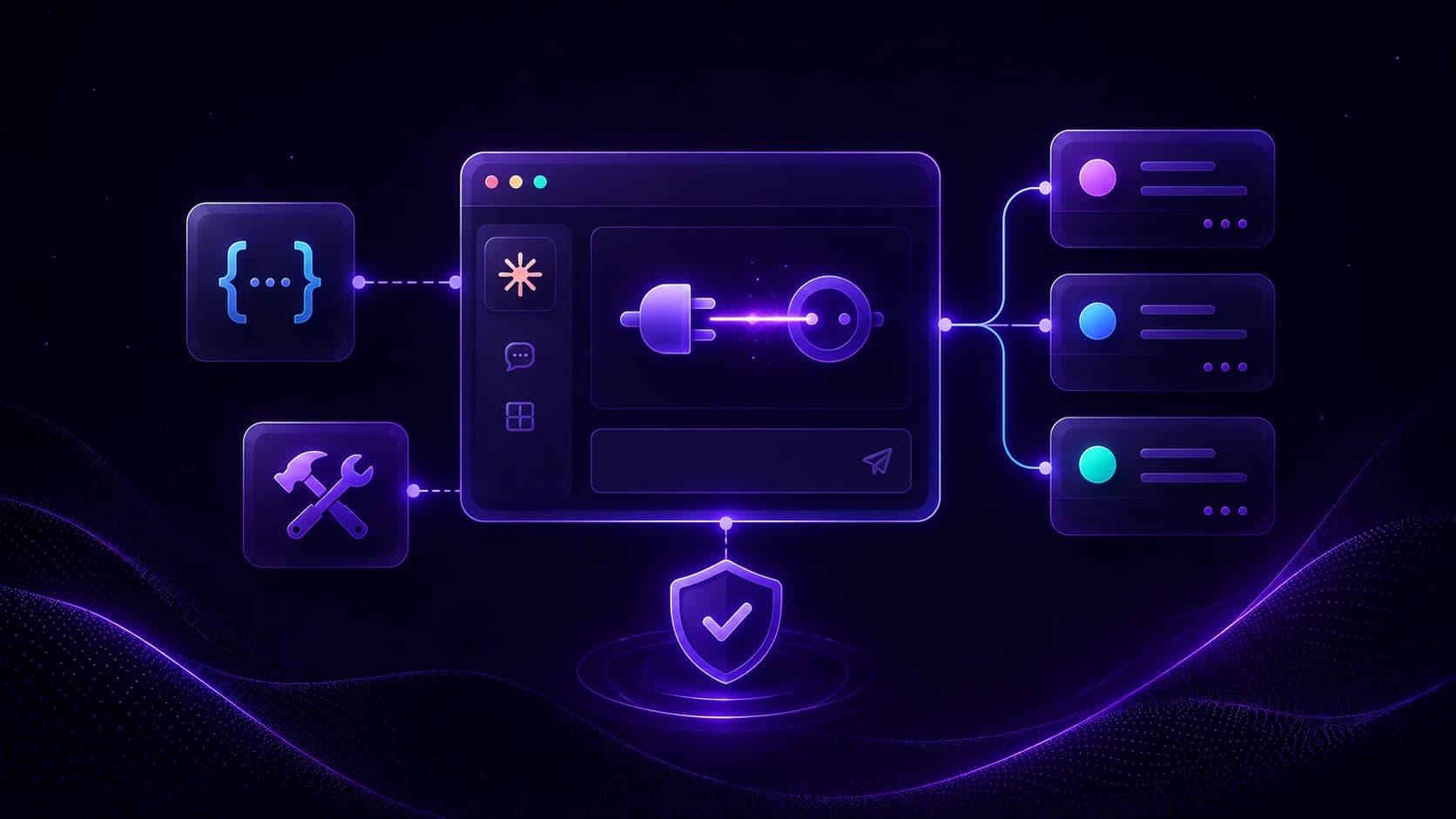
Real-world AI applications constantly need to reach outside the model. They need file access, database queries, API calls, and other external services. MCP standardizes all of that behind three cooperating roles: a client, a host, and a server.
Note
This is a concepts-only lesson. Make sure your tools are installed first, see MCP Dev Setup: Anaconda, uv, and Claude, then continue to Build Your First MCP Server with FastMCP to put these ideas into code.
The big picture: client, host, server
At the highest level, MCP wires three components together:
Client <-> Host <-> Server
Let's think of it as a marketplace. The client is the user, the server is a service provider, and the host is the middle layer that routes requests between them and keeps everything secure.
MCP Server
In simple words, a server provides tools and resources to clients through the MCP protocol.
A weather server is a good example. It exposes the ability to fetch current conditions, forecasts, and historical weather data. Any MCP client can connect and use those capabilities without knowing how they are implemented.
How servers work:
- Register available tools with the host so clients can discover them.
- Respond to tool execution requests with results.
- Manage resource access and data that clients can read.
MCP Server, code example
In practice we rarely write the protocol by hand. FastMCP is the fast, Pythonic way to build MCP servers and clients. We write a normal Python function, decorate it, and FastMCP generates the schema, validation, and documentation automatically.
from fastmcp import FastMCP

mcp = FastMCP("Demo 🚀")

@mcp.tool
def add(a: int, b: int) -> int:
    """Add two numbers"""
    return a + b

if __name__ == "__main__":
    mcp.run()
That is a complete, runnable MCP server exposing one tool named add.
Tip
FastMCP's official documentation is at gofastmcp.com. We build the full version of this server next.
MCP Client

A client is an application or AI model that uses the server's capabilities.
Claude Desktop is a familiar example. It acts as an MCP client, connecting to various MCP servers to expand what Claude can do.
When a client calls a server tool, the interaction always follows the same four steps:
- The client discovers the available tools from the server.
- The client sends a tool execution request.
- The server processes the request and returns a result.
- The client receives and uses the result.
Note
Analogy: the client is the "user" and the server is the "service provider." The client asks; the server does the work and answers.
MCP Host
The host is the middle layer between client and server. It manages connections and communication.
Host responsibilities:
- Manages multiple server connections at once.
- Routes requests between clients and servers.
- Handles protocol translation and validation.
- Provides security and error handling.
Claude Desktop's host can connect to many MCP servers at once. Think of weather, database, and file-system servers. It presents all their tools to the model in a single conversation.
MCP specifications
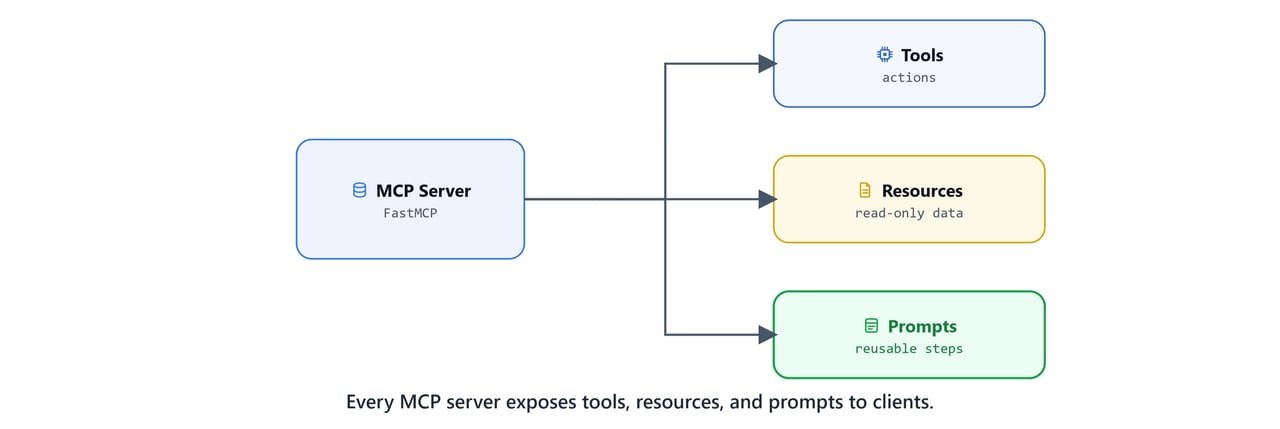
MCP sets standard rules so components can talk to each other in a predictable way.
Important
MCP is built on the JSON-RPC 2.0 protocol for reliable, structured communication between components. JSON-RPC messages must be UTF-8 encoded.
Common specification parts:
- Tools: define available actions and their parameters.
- Resources: specify data and file access methods.
- Prompts: standardize reusable AI instructions.
Why do standards matter? Standard rules mean easy integration. Any MCP-compliant client can work with any MCP-compliant server, no matter who built them. We build these three building blocks in depth in MCP Tools, Resources, and Prompts.
Transport mechanisms
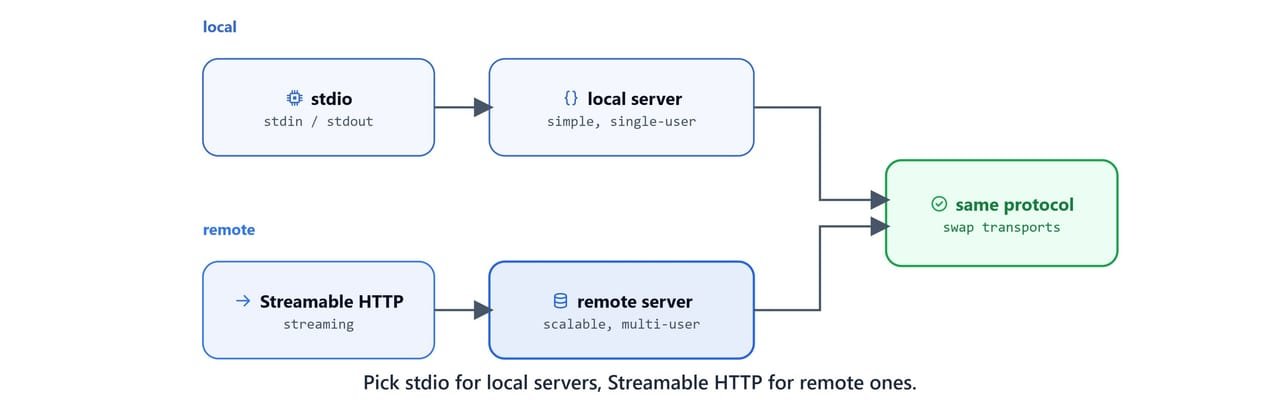
MCP uses JSON-RPC to encode messages (again, UTF-8 is mandatory). The protocol revision used in this course is 2025-06-18. There are two standard transport mechanisms.
1. stdio transport
Communication over standard in and standard out.
- Local process communication.
- Direct stdin/stdout messaging.
- Ideal for local servers.
- Simple to implement.
2. Streamable HTTP transport
HTTP-based communication with streaming support.
- Remote server connections.
- Real-time bidirectional streaming.
- Web-compatible transport.
- Scalable for enterprise use.
Choosing the right transport
| Use stdio when… | Use Streamable HTTP when… |
|---|---|
| Local file-system access | Cloud-based services |
| Development and testing | Multi-user environments |
| Simple command-line tools | Real-time data streaming |
| Single-user applications | Enterprise deployments |
In short, use stdio for local development and simple setups. Use Streamable HTTP for production, remote servers, and real-time apps.
Tip
Both transports support the same MCP protocol features. We can switch between transports without changing our server logic, usually just one argument in mcp.run(...).
Official resources
Bookmark these verified, official references as we work through the course:
- MCP specification and docs: modelcontextprotocol.io
- Getting started / intro: modelcontextprotocol.io/docs/getting-started/intro
- Protocol specification (this revision): modelcontextprotocol.io/specification/2025-06-18
- Official Python SDK: github.com/modelcontextprotocol/python-sdk (
pip install mcp) - Official MCP servers: github.com/modelcontextprotocol/servers
- Awesome MCP Servers (community list): github.com/punkpeye/awesome-mcp-servers
- GitHub's official MCP server: github.com/github/github-mcp-server
- Claude Desktop (an MCP host): claude.ai/download
Note
The TypeScript SDK installs with npm install @modelcontextprotocol/sdk, and a C# SDK ships on NuGet as ModelContextProtocol. This course uses the Python SDK and FastMCP throughout.
With the architecture clear, we are ready to build a working server and client from scratch in Build Your First MCP Server with FastMCP.